It is not hard to think of reasons for your software:
Well thought out programs. Great, very patient and almost always immediate customer support.
Robert Shearer
|
|
|
Remove Watermark
Photo Stamp Remover: Learning the Basics
Have you ever found yourself in a situation when the picture you really like, has a watermark on it that needs to be removed? If you did, you know that there are many programs designed for these purposes, but not all of them can meet your needs. As such, some applications tend to be too pricy, whereas others – too complicated for beginning users or not efficient enough.
If you are looking for perfectly balanced software designed to remove watermark and other imperfections, consider downloading Photo Stamp Remover.
| |
Take a look at our Watermark Remover software.
The program performs almost all watermark removal tasks above.
| |
With our watermark removal tool, you will find yourself able to:
- remove watermark and other unwanted objects (dates, stamps, logotypes, URLs, etc.)
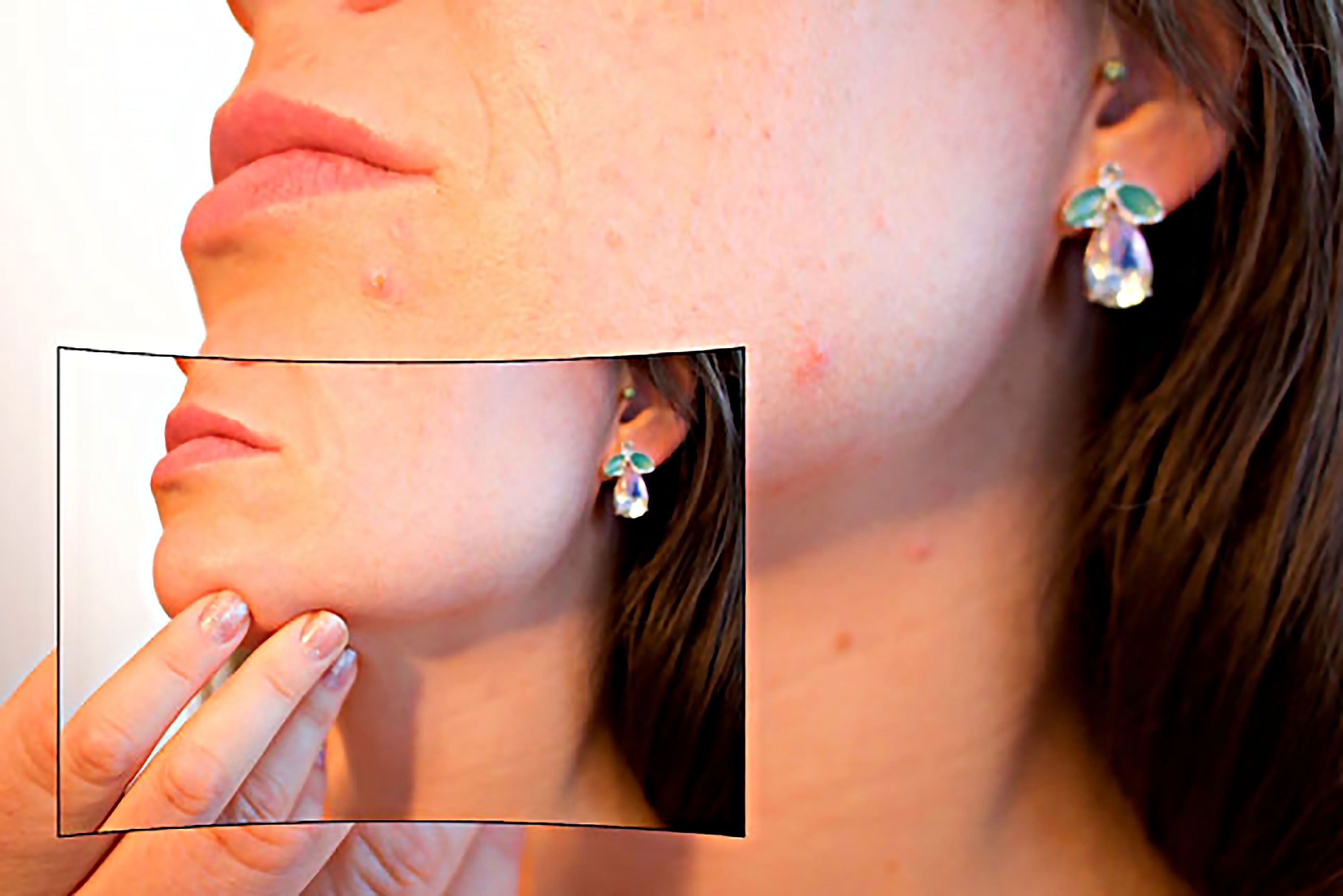
- restore old photos by removing scratches, digital noise, and dust spots
- deal with hundreds of files at a time thanks to enabled batch conversion mode
If you are not sure of what makes Photo Stamp Remover so different from other programs designed to remove watermark, take a quick look at the advantages of this software.
First and foremost, this watermark removal tool is very easy-to-use. It is different from programs like Corel Draw or Adobe Photoshop because it does not require you to have any computer skills to remove watermark. The tool is perfectly suitable for professionals as well as novice users not only due to its automated technology but also to the user-friendly design.
Second, watermark remover has a lot of functions enabled, which make it very efficient compared to other programs designed to perform only one function (remove watermark, noise removal or individual conversion of photos, etc.). With the help of watermark removal tool, you will be able to generate texture to fill a given area as well as to delete unwanted objects different from watermarks and stamps.
Instead of spending hundreds of dollars on software you are not familiar with, download the trial version of watermark remowal tool and evaluate its quality before actually buying it.
Once you download the watermark remover, consider taking a quick tour, as it will help you master watermark removal tool in a matter of 60 seconds. From the video, you’ll learn that it only takes a few steps to remove watermark, noise and other unwanted objects from images.
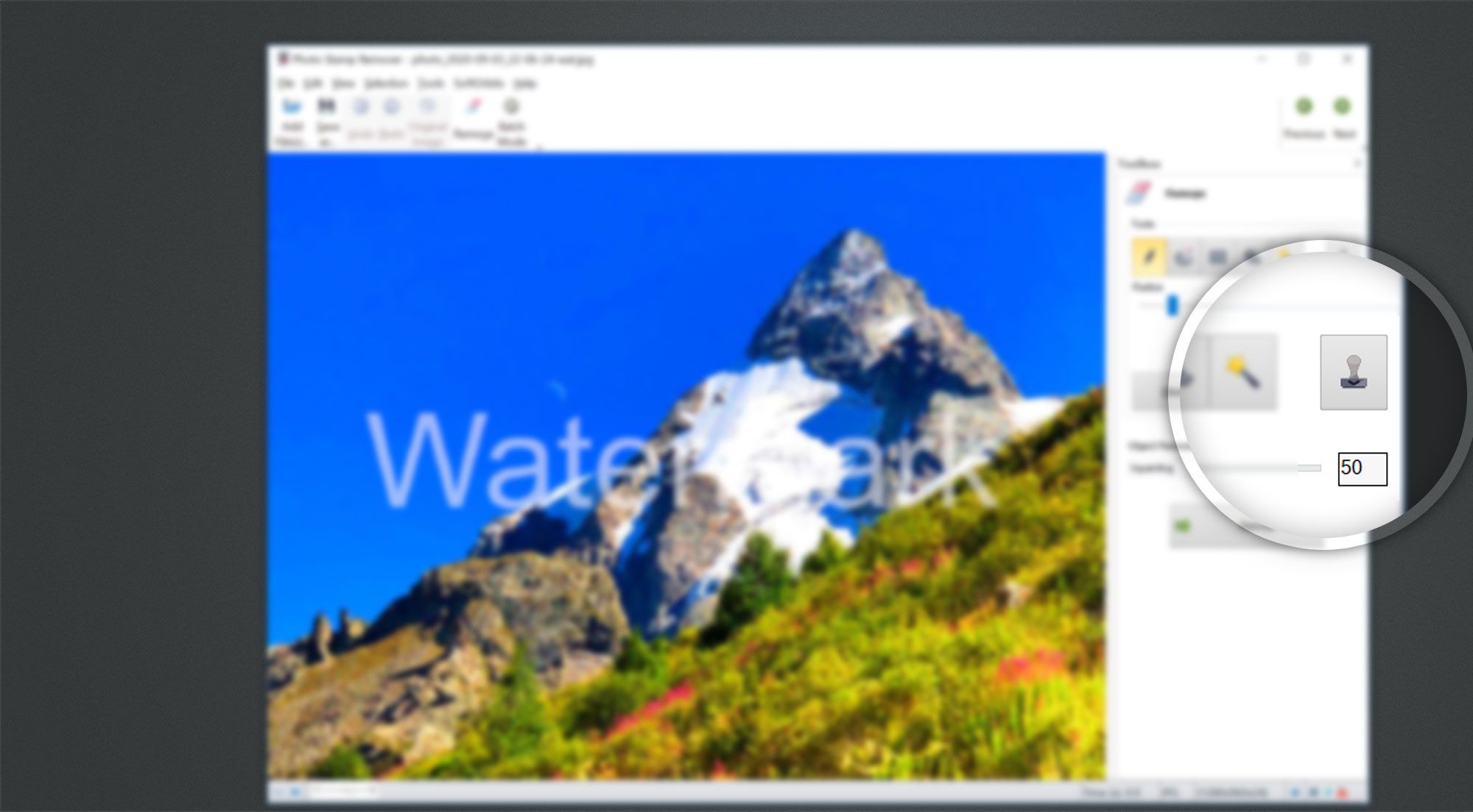
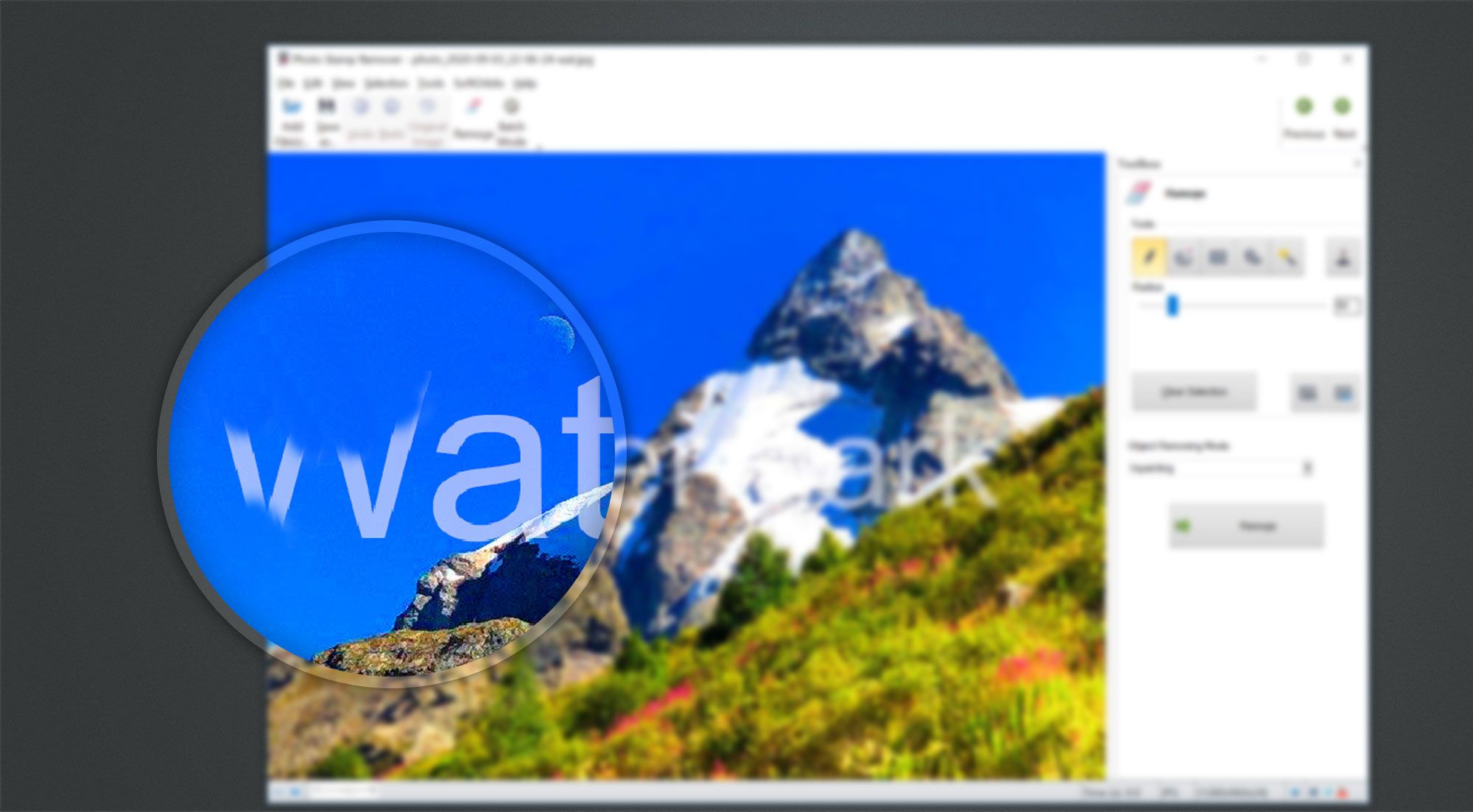
To remove watermark from digital photos do the following steps:
Warring. Do not remove watermarks from copyrighted images. This is illegal and may be a violation of the law. You can only remove watermark for personal use.
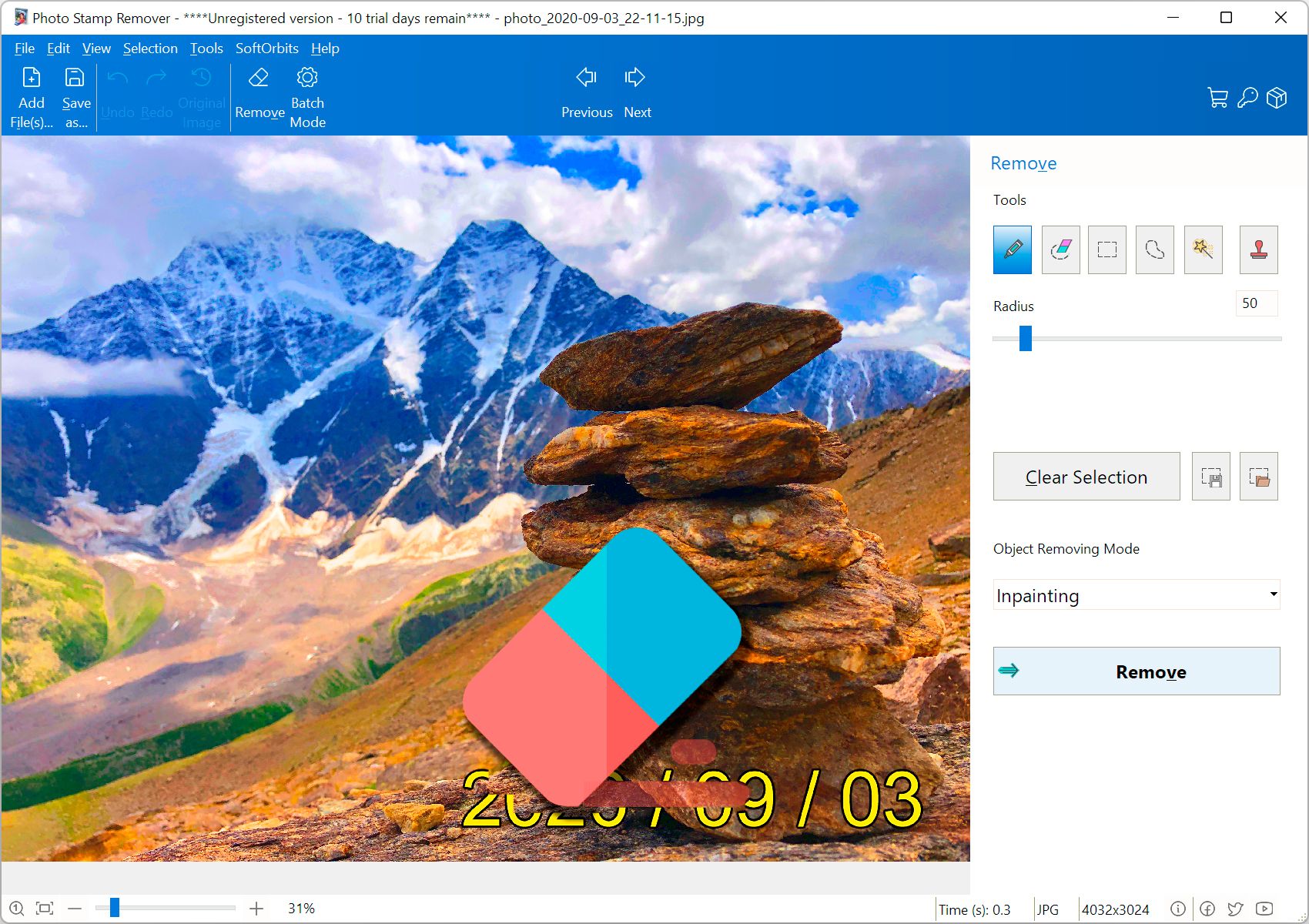
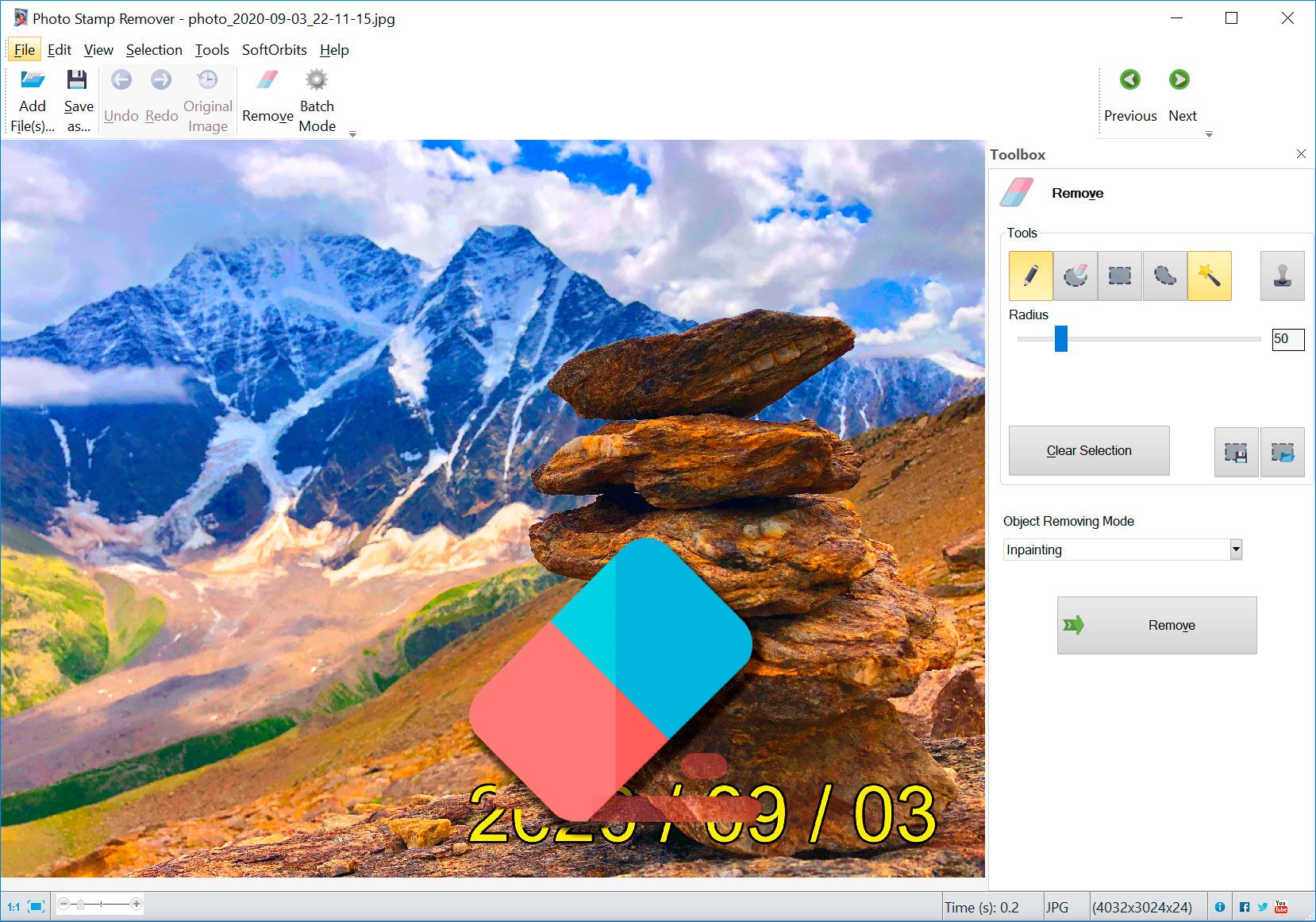
Select the images you want to fix and add them to Photo Stamp Remover by clicking the "Add files" button
Use the Marker tool to select the watermark area
Then click the Remove button to remove selected watermark
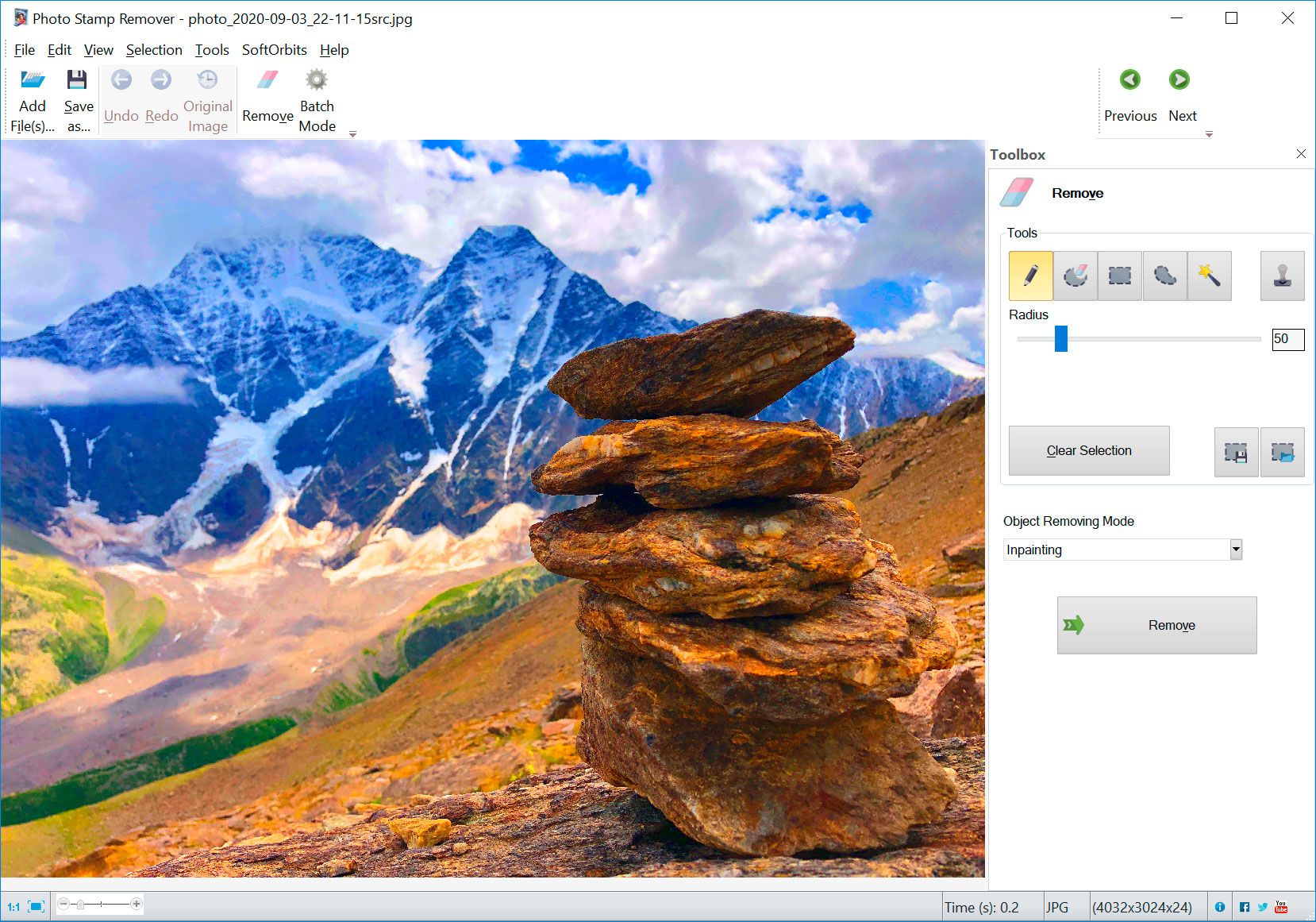
You will have an image with removed watermark
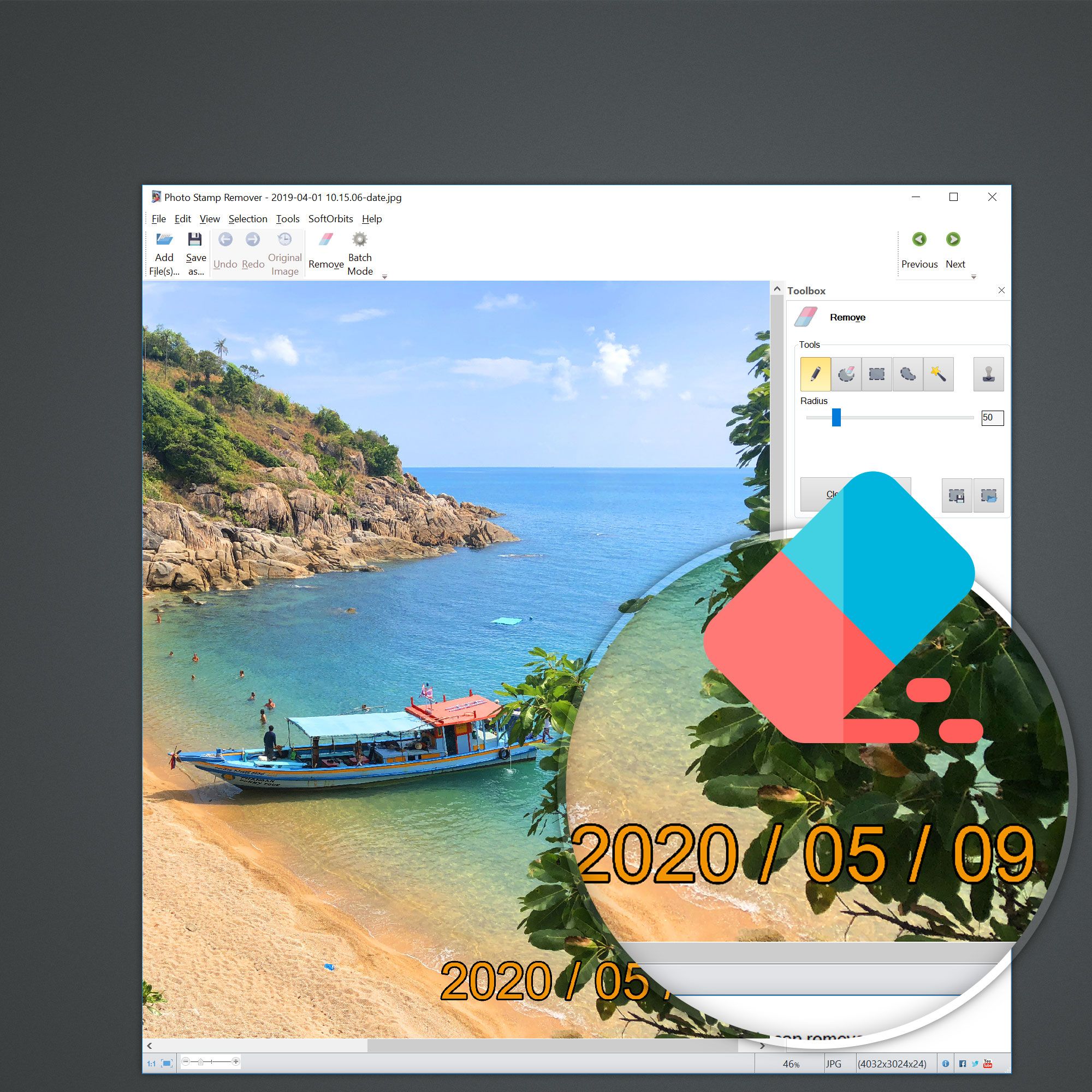
The steps to remove date from photo are as follows:
Select the images you want to edit and add them to Photo Stamp Remover by clicking the "Add files" button
Click the "Zoom" button if you need to enlarge the photos
Use the "Select" and "Select color" to outline the area you want to edit
Use the "Quick remove" or "Remove" to remove watermark in the selected area
Additional actions may be required to improve the area, from which the stamp of watermark was removed.
| |
Take a look at our Watermark Remover software.
The program performs almost all watermark removal tasks above.
| |
|

The first was a learning experience and I left remnants of a copyright I was removing for the test. Once I became familiar with the software, it was as easy as circling the date or title or logo on the photo and clicking preview to see that it was perfect and then start. I did not encounter any overwrite problems because I designated a different output folder.
Overall, I give the program a 10. I got 4 out of 4 perfect results on different tasks, effortlessly without a problem or disappointment. I'm sure there will be photos that will not work, but for those that do it is fast, easy and visually perfect. Less than a 5 minute learning curve.
Thanks Softorbits for a program I will use often and that will save me a lot of time and work over Photoshop!
Dan Mayer

That is the program I would need if I were still needing it. (I shut off the date stamp feature in my camera).
Now I can clean up some of my old photos that still have the bright yellow date stamps on them.
I've passed the info along to several friends that I know are in to photo editing. And thanks a MILLION !!!
Ken Dildts
|