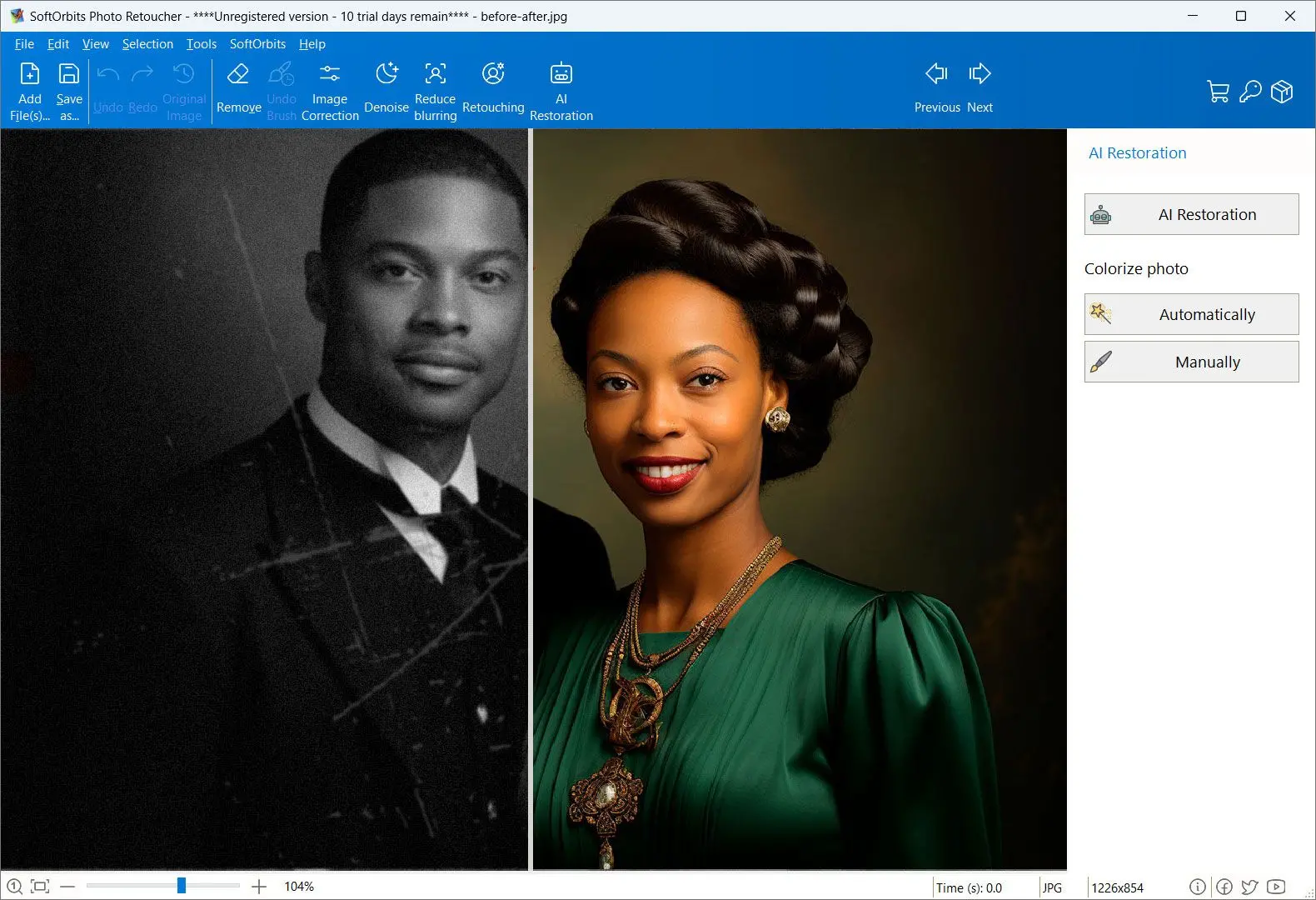
Features
- AI upscale presets at 2×, 4×, and 8×
- GPU acceleration when available
- Models tuned to add plausible texture after upscaling so results stay crisp, not mushy
- Strong noise control—fewer halos and blocky JPEG artifacts than a basic resize
- Extra tools for restoration, object removal, and touch-up
- Batch Mode to enlarge multiple photos in one pass
How to enlarge an image without losing quality?
AI image enlargement software predicts detail instead of only duplicating pixels, which helps when you need a larger file for print or cropping. Plain upscale still has limits: it cannot invent real optical detail that was never in the shot.
With capable programs such as SoftOrbits Photo Retoucher, you can push moderate enlargements while keeping edges and skin tones under control.
 Photo Retoucher