It is not hard to think of reasons for your software:
Well thought out programs. Great, very patient and almost always immediate customer support.
Robert Shearer
|
|
|
How to remove watermark from video
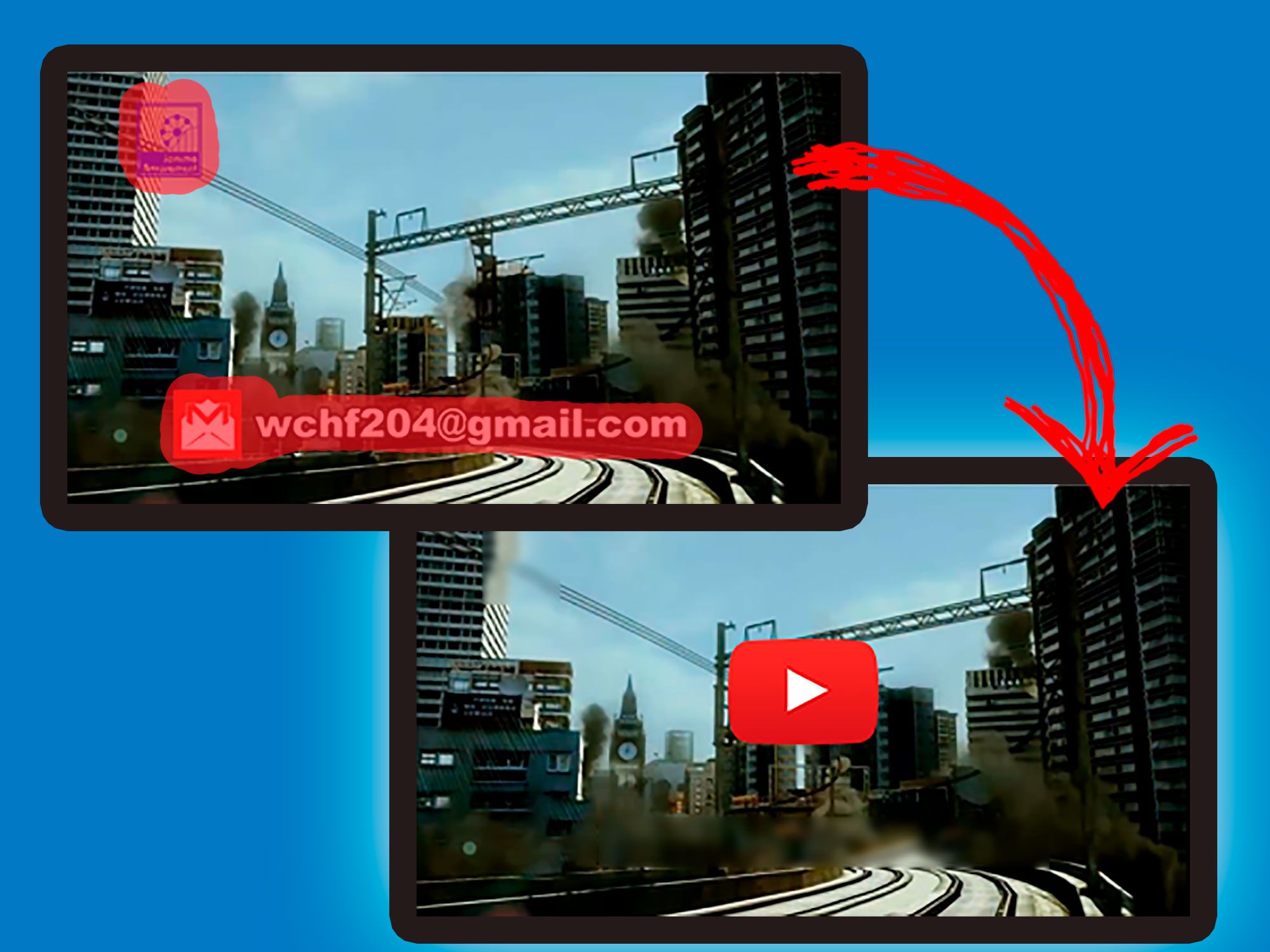
Logotypes and watermarks in video files are annoying, indeed. Removing them manually is a difficult task that very few users would like to experience. However, there will be absolutely no problems to remove watermark from video files if you download a special tool known as logo remover.
| |
Take a look at our Watermark Remover software.
This program can help you to remove watermark from video in several clicks.
| |
One of the programs of this kind available online is Remove Logo Now! by SoftOrbits, experienced software development company. This tool automatically analyzes the video stream, locates and removes static overlays, including logos, subtitles, and watermarks. Thanks to the unique inpainting algorithm, Remove Logo Now! removes objects carefully, leaving almost no visible traces.
Interface of Remove Logo Now! is very simple, making this tool suitable for both, experienced and beginning computer users.
All you need to do to quickly and efficiently remove logos, subtitles or watermarks from video files is:
How to remove watermark from video
- Download the full or the trial version of Remove Logo Now! from

- Install the program following the instructions of the setup wizard.

- Launch the program from the Start menu or the desktop icon, if you have chosen to create one during the setup.
- Use the “Add files” button to select input files. The Remove Logo Now! tool will automatically delete the logo from all of the files provided that the logo is the same.

- Use the “Find Logo” function if you want the tool to automatically identify the watermark in the video file. This option is compatible with the majority of known video formats.

- Use the manual editing tool if you are not satisfied with the results yielded by “Find Logo”. You can use the Marker tool, add or remove pixels and use Rectangular marquee.

- Remove Logo Now! Features conversion option. This means that once you remove the logotype, you can either save the video file in its input format or convert it to another format. Video formats supported by the program include AVI, MOV, M1V, MP2, SVCD, FLV, MP4, M2V, DVD, SWF, 3GP, MKV, WMV, and RM10.

- You can edit the settings of audio and video streams, bitrates and frame rates in the output file, and much more!
| |
Take a look at our Watermark Remover software.
This program can help you to remove watermark from video in several clicks.
| |
|

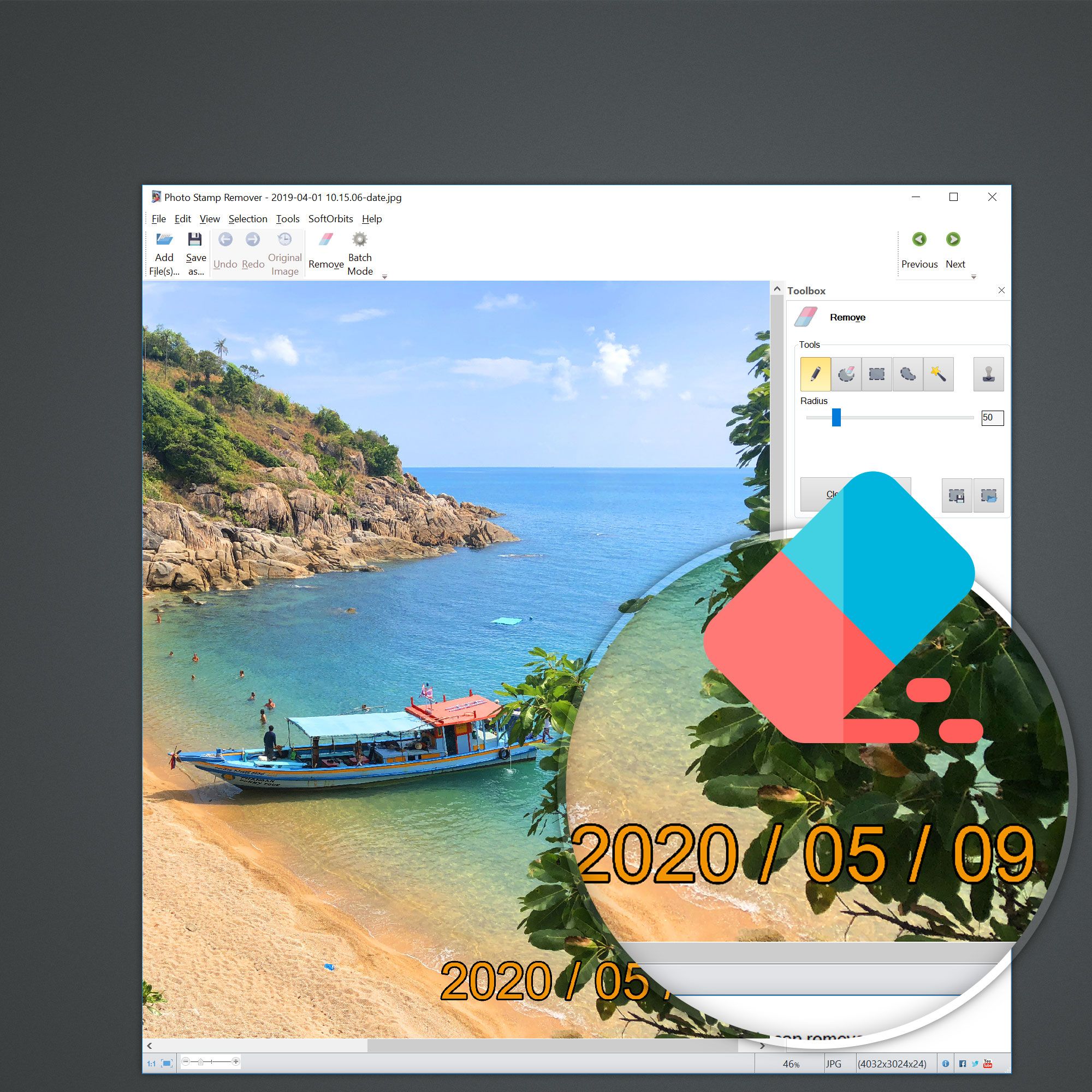
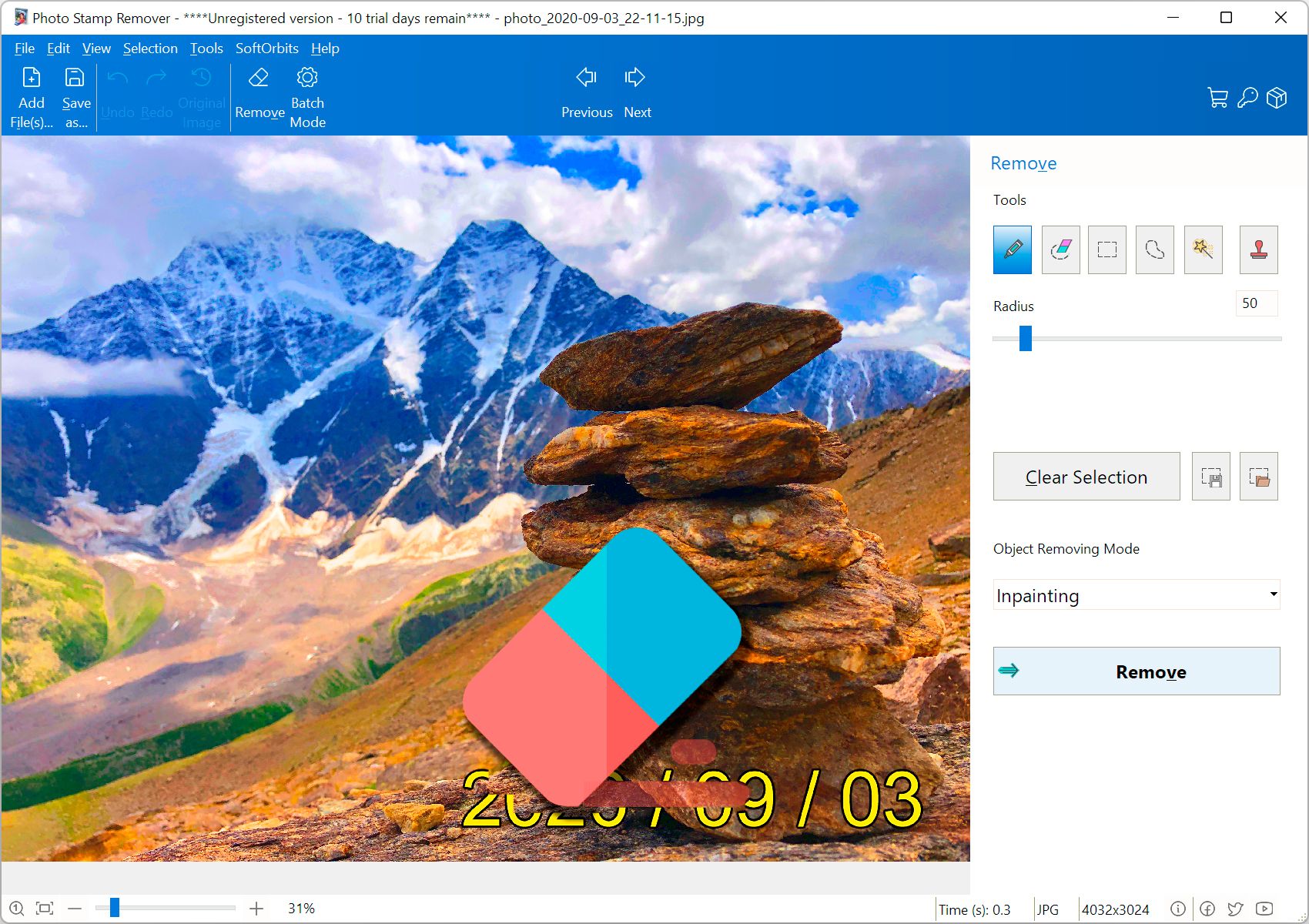
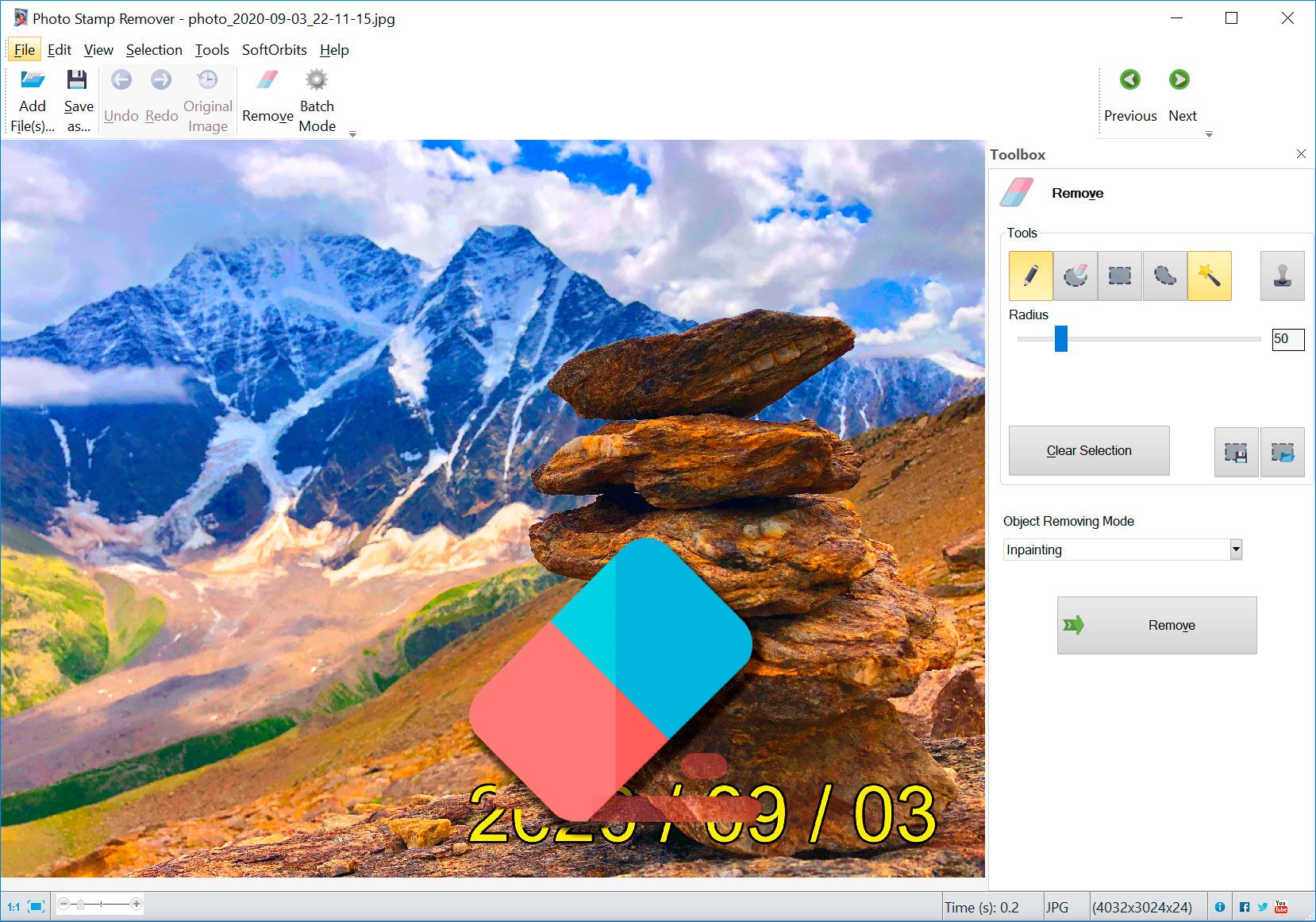
The first was a learning experience and I left remnants of a copyright I was removing for the test. Once I became familiar with the software, it was as easy as circling the date or title or logo on the photo and clicking preview to see that it was perfect and then start. I did not encounter any overwrite problems because I designated a different output folder.
Overall, I give the program a 10. I got 4 out of 4 perfect results on different tasks, effortlessly without a problem or disappointment. I'm sure there will be photos that will not work, but for those that do it is fast, easy and visually perfect. Less than a 5 minute learning curve.
Thanks Softorbits for a program I will use often and that will save me a lot of time and work over Photoshop!
Dan Mayer

That is the program I would need if I were still needing it. (I shut off the date stamp feature in my camera).
Now I can clean up some of my old photos that still have the bright yellow date stamps on them.
I've passed the info along to several friends that I know are in to photo editing. And thanks a MILLION !!!
Ken Dildts
|