It is not hard to think of reasons for your software:
Well thought out programs. Great, very patient and almost always immediate customer support.
Robert Shearer
|
|
|
Photo Stamp Remover 2.3
Remove dates and other unwanted object from photos
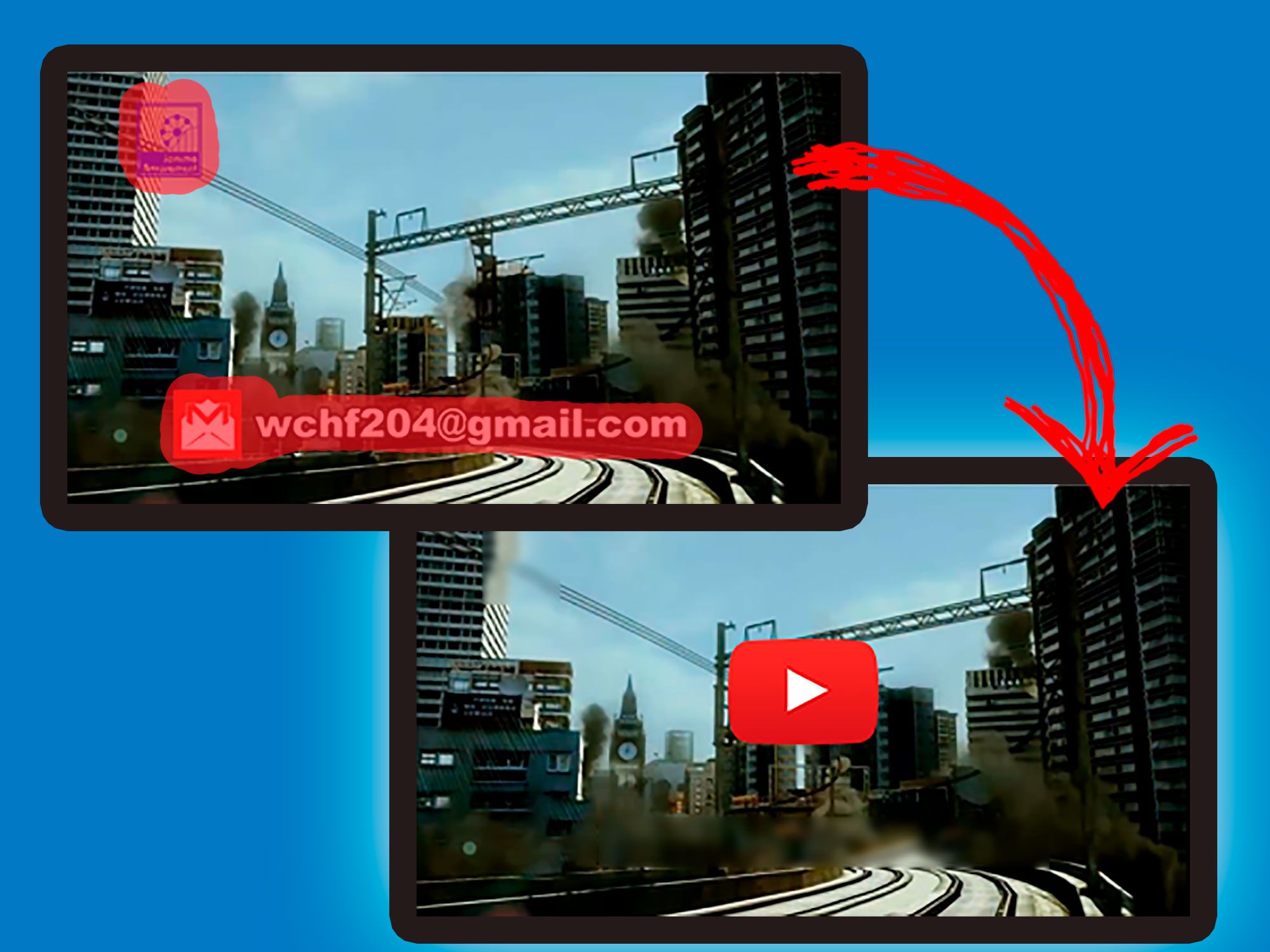
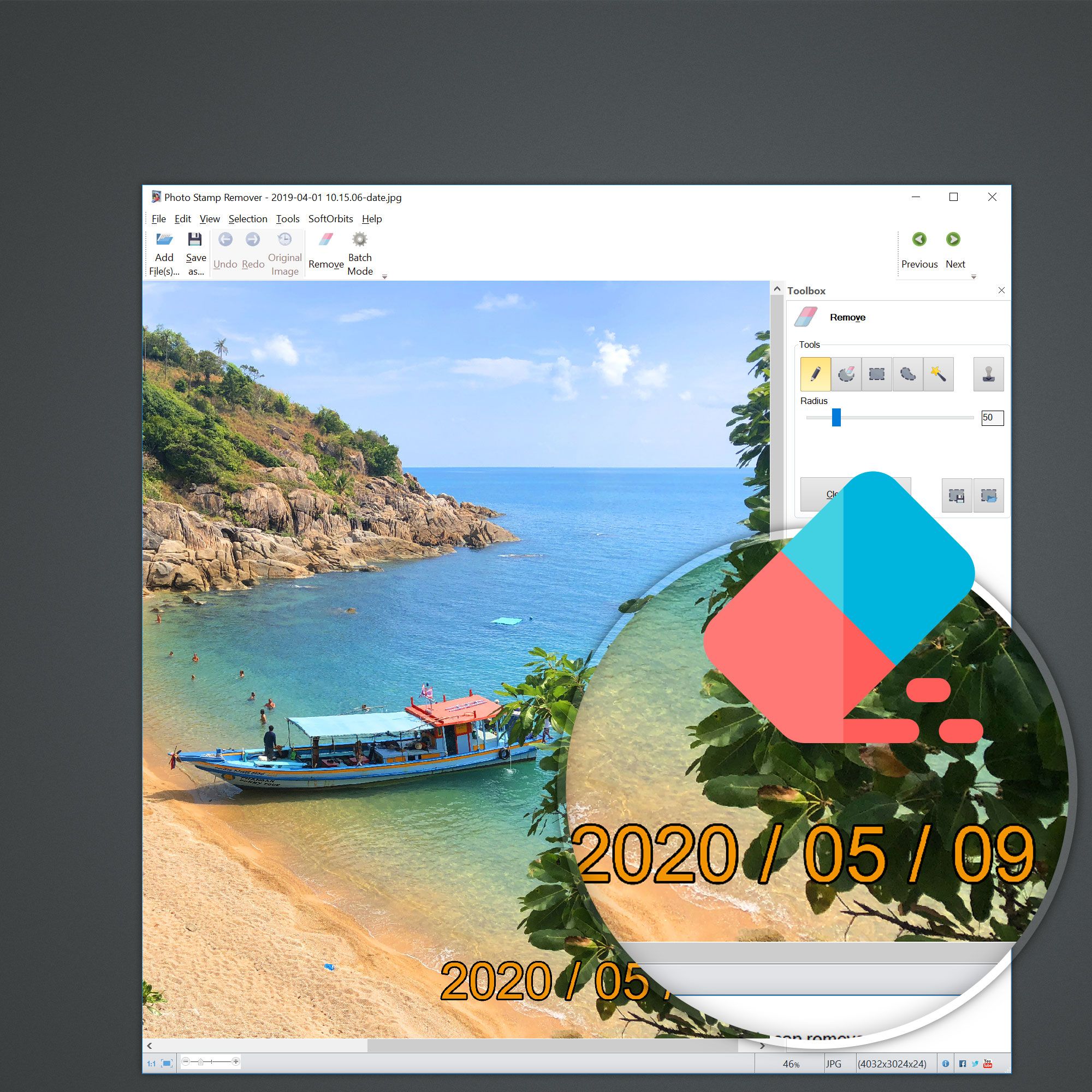
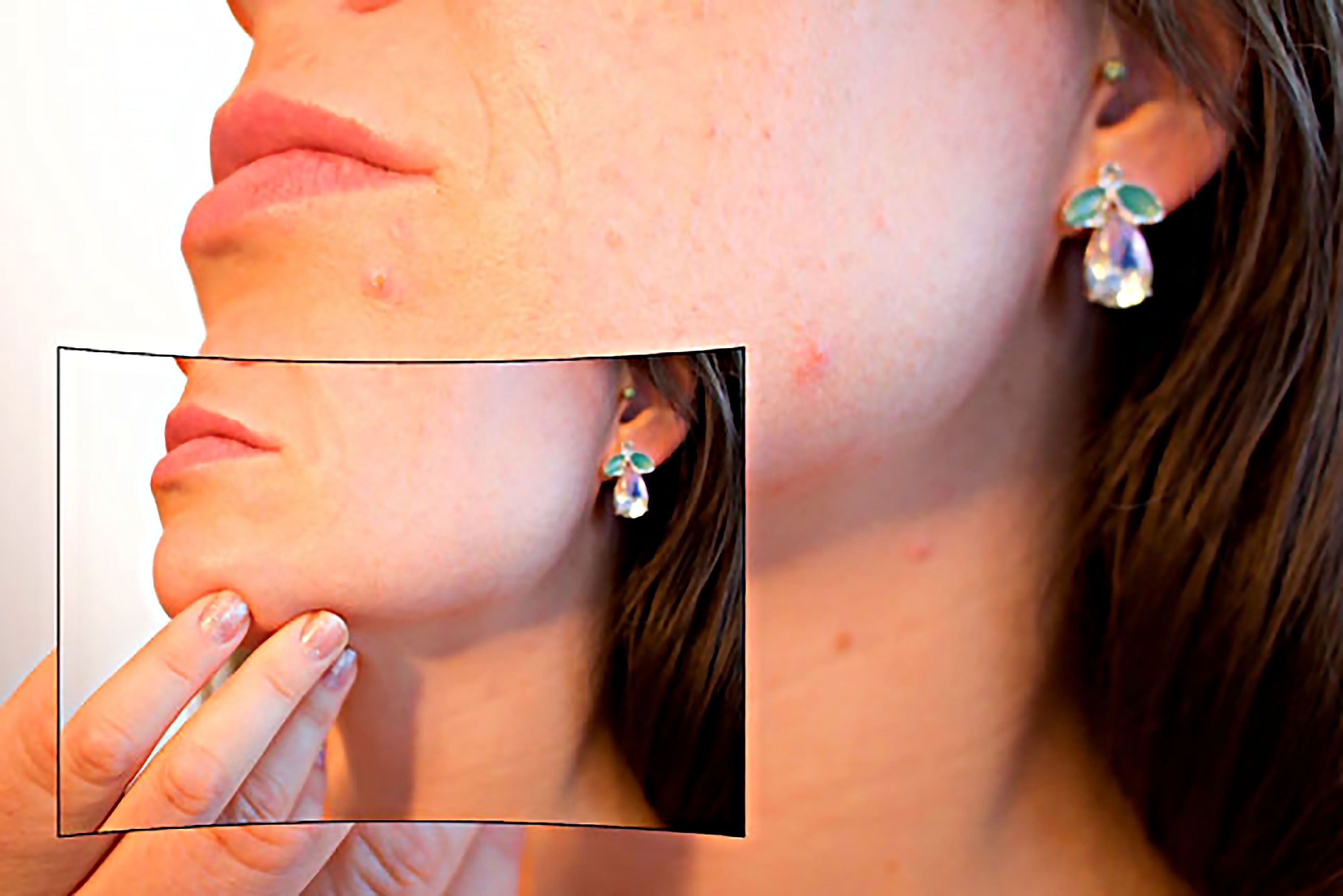
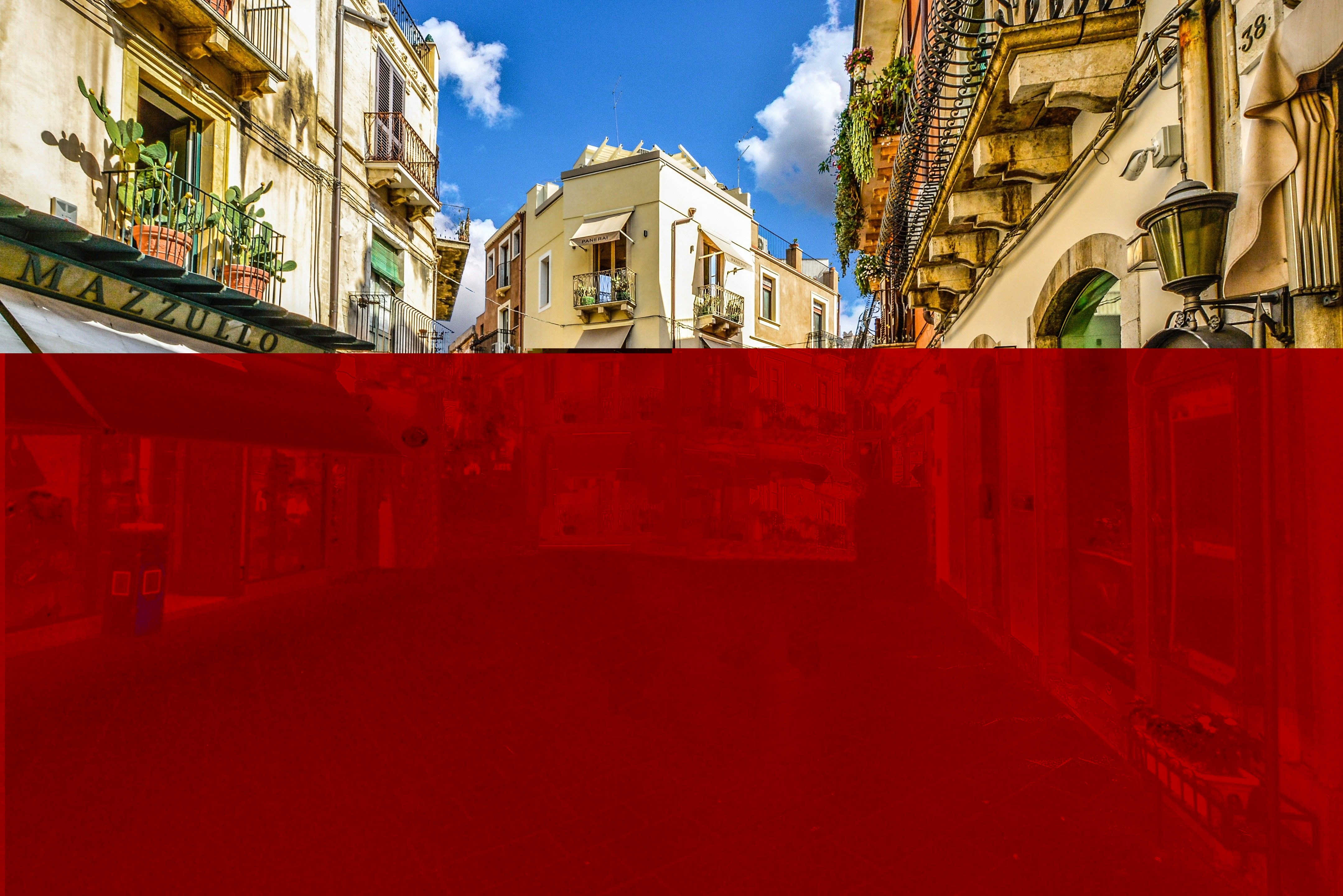
Photo Stamp Remover is a photo correction utility that can remove scratches, dust, stains, wrinkles, tears, date stamps and other unwanted artifacts that appear on photographs. Offering a fully automatic process, the program uses an intelligent restoration technology to fill the selected area with the texture generated from the pixels around the selection, so that the defect blends into the rest of the image naturally. What takes hours to correct using the clone tool, can be accomplished in a minute using Photo Stamp Remover.
Free Trial -
Order Now!

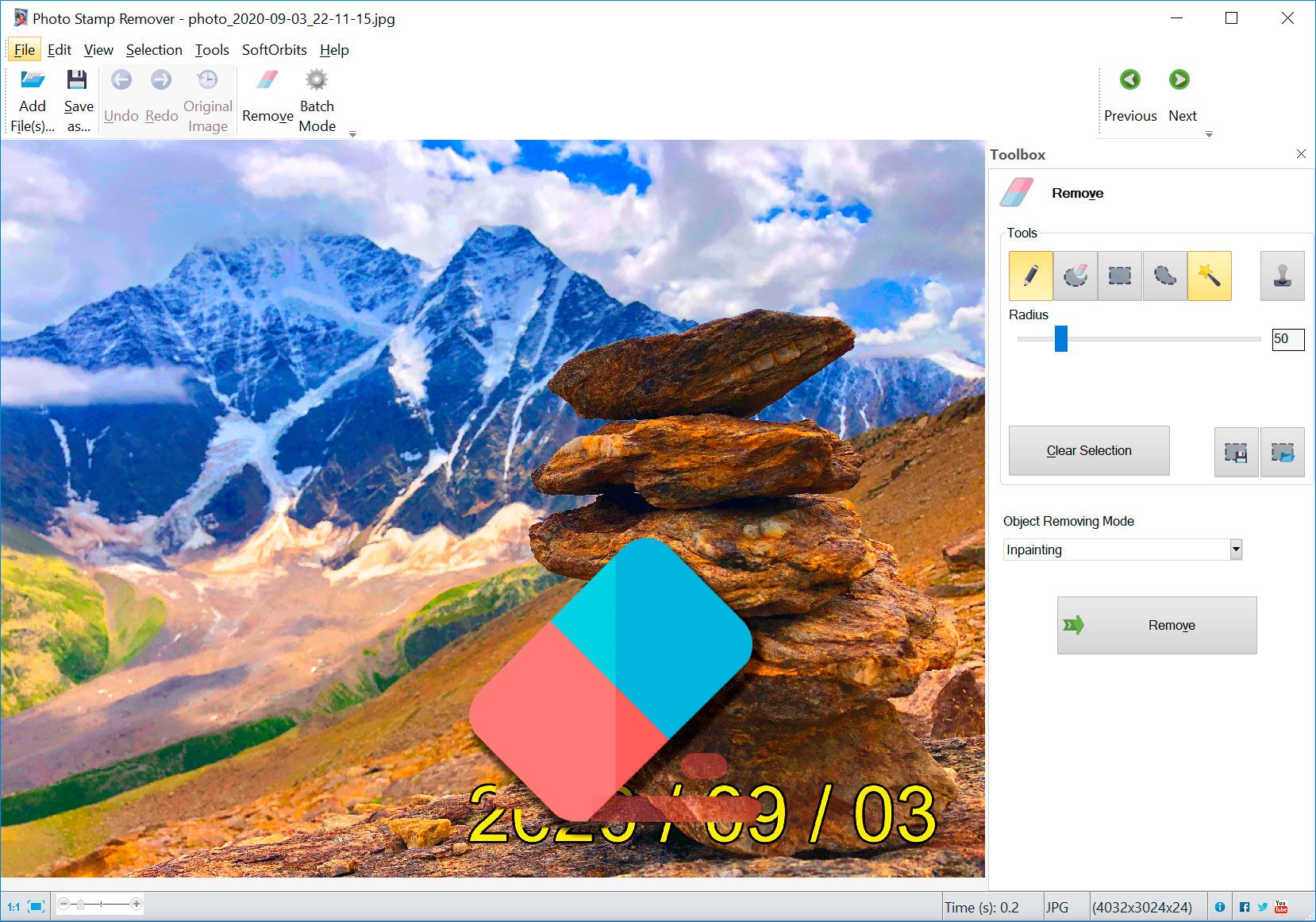
Before |

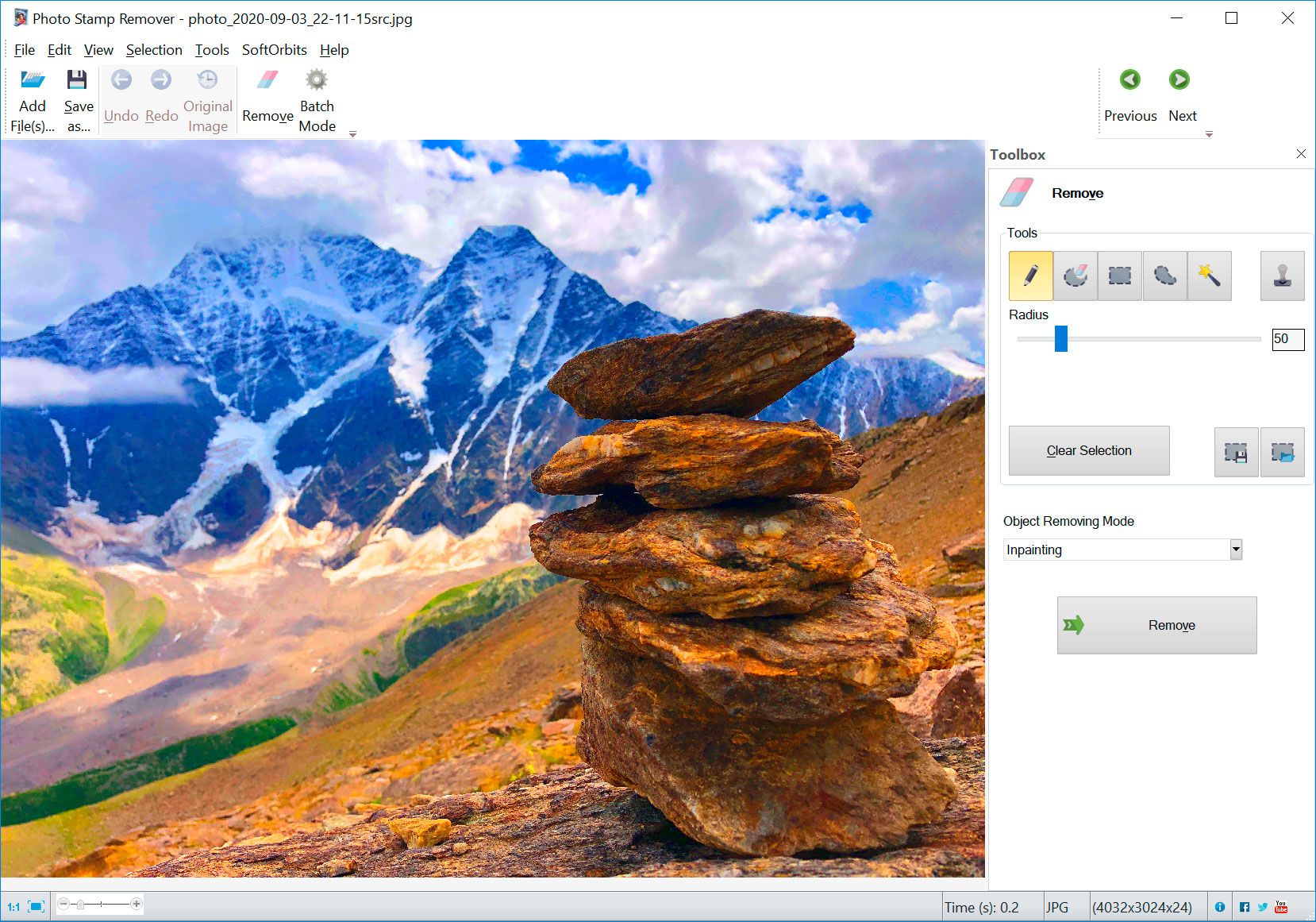
After |
Top Reasons to Install Photo Stamp Remover
Choose Photo Stamp Remover and enjoy these exciting benefits:
Rejuvenate old photos
Most families have hundreds of photos that they would like to preserve for a lifetime of enjoyment. Unfortunately, many of them sit in albums, books, or lay loose in boxes, getting scratches and accumulating dirt. Fortunately, there’s Photo Stamp Remover. Just scan photos into the computer and use the program to clean up scratches, cracks, and dust spots.
Remove unwanted artifacts from new photos
Using Photo Stamp Remover, you can also clean up face and skin imperfections, such as wrinkles, acne, and tattoos. Unwanted artifacts like date stamps, watermarks, logos and undesirable objects can be erased cleanly too. The area with the removed artifact is filled with automatically generated texture. So, the photo looks natural, as if it had always looked like this.
Remove defects with a mouse click
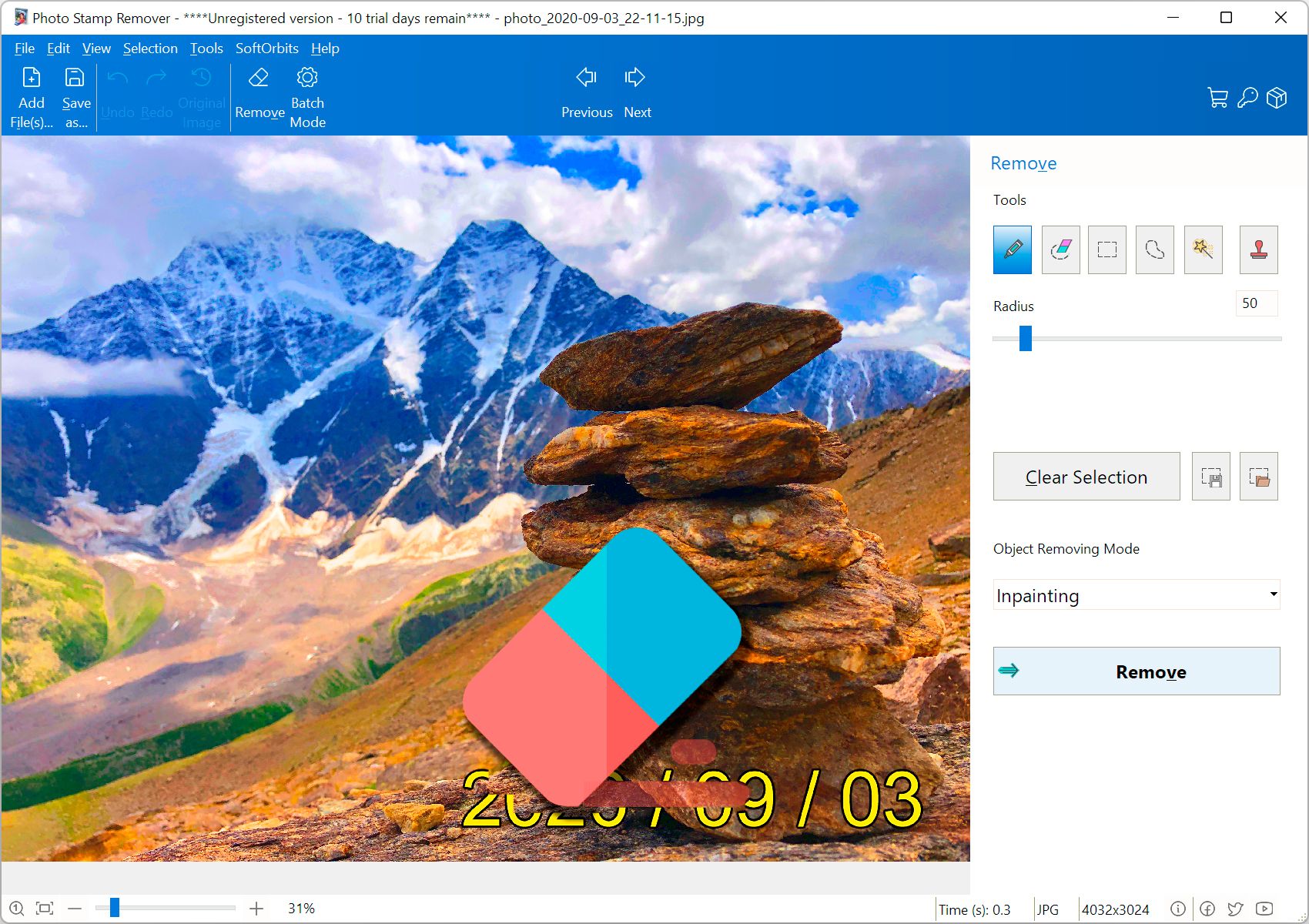
With Photo Stamp Remover, you can restore photos with the minimum of fuss. Just open a photo in the program, select the area that needs to be restored and click Preview. If you like what you see, click Start. That’s basically all you need to do. Using its advanced restoration algorithm, the program removes the imperfection automatically. Defects blend into the background cleanly.
Remove artifacts by color
You can select the unwanted artifact manually or select the color and Photo Stamp Remover will remove the artifact that has the same color. For example, it can help you to remove from a photograph text and date stamps that have the same, solid black color.
Retouch more than one photo
With its batch mode support, Photo Stamp Remover enables you to process more than one photo at a time. For example, you can remove a date stamp, which your camera left on several photos. Simply define the area where the stamp is located and begin the healing process. Photo Stamp Remover will remove the date stamp on all photos automatically while you’re sipping your coffee.
No need to install large photo editors
Photo Stamp Remover is primarily aimed at everyday, casual camera owners who just want to remove some imperfections from photos without having to buy a more feature-rich photo editing suite and mess around with its user manual to get started.
Easy to get started - free trial
You can try Photo Stamp Remover in action FOR FREE. Download a 30-day fully-functional trial today to restore or clean up your photos automatically.
|
| (1.4 Mb) |
What customers are saying
Dan Mayer:
The first was a learning experience and I left remnants of a copyright I was removing for the test. Once I became familiar with the software, it was as easy as circling the date or title or logo on the photo and clicking preview to see that it was perfect and then start. I did not encounter any overwrite problems because I designated a different output folder.
Overall, I give the program a 10. I got 4 out of 4 perfect results on different tasks, effortlessly without a problem or disappointment. I’m sure there will be photos that will not work, but for those that do it is fast, easy and visually perfect. Less than a 5 minute learning curve.
Thanks Softorbits for a program I will use often and that will save me a lot of time and work over Photoshop!
Ken Dildts:
That is the program I would need if I were still needing it. (I shut off the date stamp feature in my camera).
Now I can clean up some of my old photos that still have the bright yellow date stamps on them.
I've passed the info along to several friends that I know are in to photo editing. And thanks a MILLION !!!
This product (with the ability to specify the stamp color) does the best job of removing photo stamps than any I have tried. It would be nice if you could select both the stamp color and the replacement color, since it does tend to replace at a much darker shade than was desirable for certain sections of this particular project.
Marcy K. Piland:
This product (with the ability to specify the stamp color) does the best job of removing photo stamps than any I have tried.
The main feature that attracted me was this ability to select the stamp color.
|
The first was a learning experience and I left remnants of a copyright I was removing for the test. Once I became familiar with the software, it was as easy as circling the date or title or logo on the photo and clicking preview to see that it was perfect and then start. I did not encounter any overwrite problems because I designated a different output folder.
Overall, I give the program a 10. I got 4 out of 4 perfect results on different tasks, effortlessly without a problem or disappointment. I’m sure there will be photos that will not work, but for those that do it is fast, easy and visually perfect. Less than a 5 minute learning curve.
Thanks Softorbits for a program I will use often and that will save me a lot of time and work over Photoshop!
Dan Mayer
That is the program I would need if I were still needing it. (I shut off the date stamp feature in my camera).
Now I can clean up some of my old photos that still have the bright yellow date stamps on them.
I've passed the info along to several friends that I know are in to photo editing. And thanks a MILLION !!!
Ken Dildts
|